Everything you need to know about your switch to Flo
What happens after you sign up with Flo?
Welcome to Flo!
We’re excited to have you with us.
Switching your electricity account takes a few steps, but we’ll guide you through the process and keep things simple.
Before you start: Please keep an eye out for emails from hello@floenergy.sg. Add this address to your safe senders list so you do not miss any important updates.
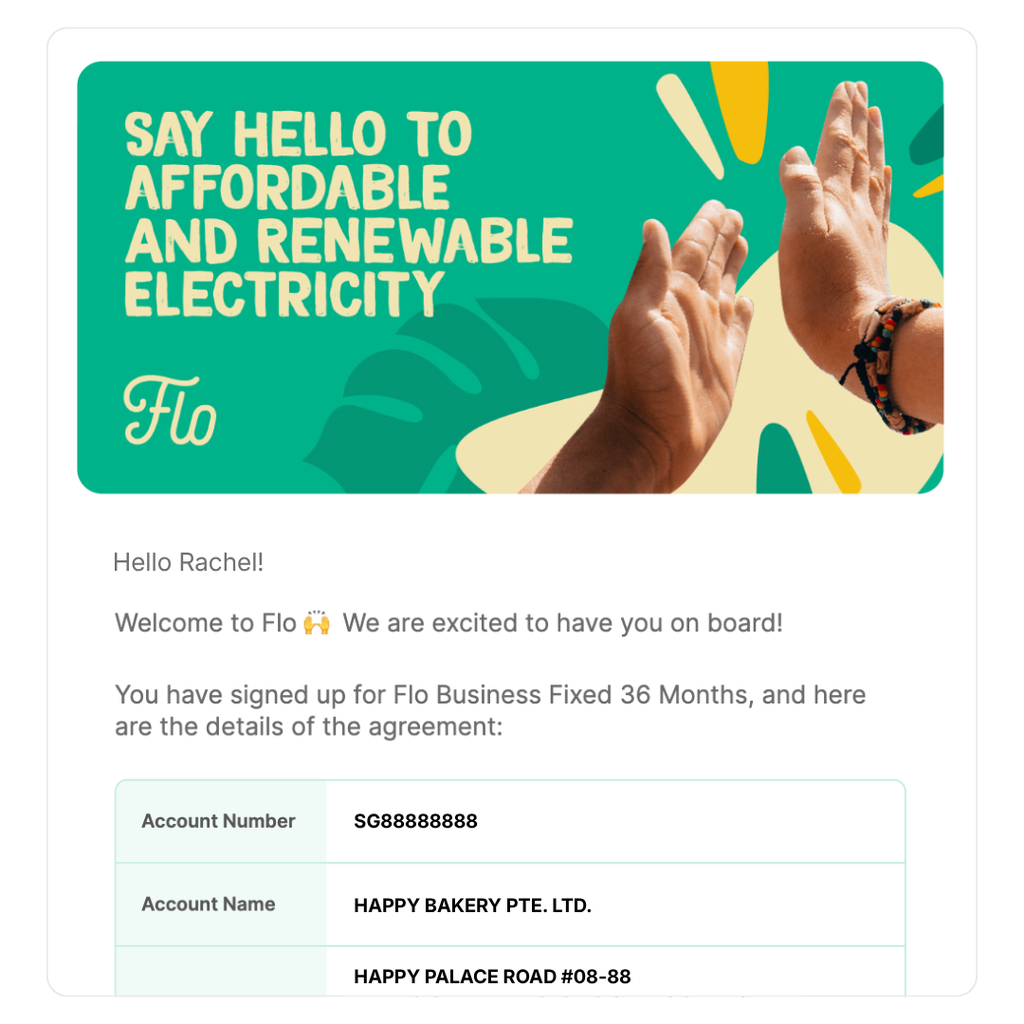
1. Check your Welcome email
You’ll first receive a Welcome email confirming that we’ve received your sign-up.
It includes your account details, supply address, contract start date and contract documents.
This means your sign-up has been received and we’re getting your account ready.
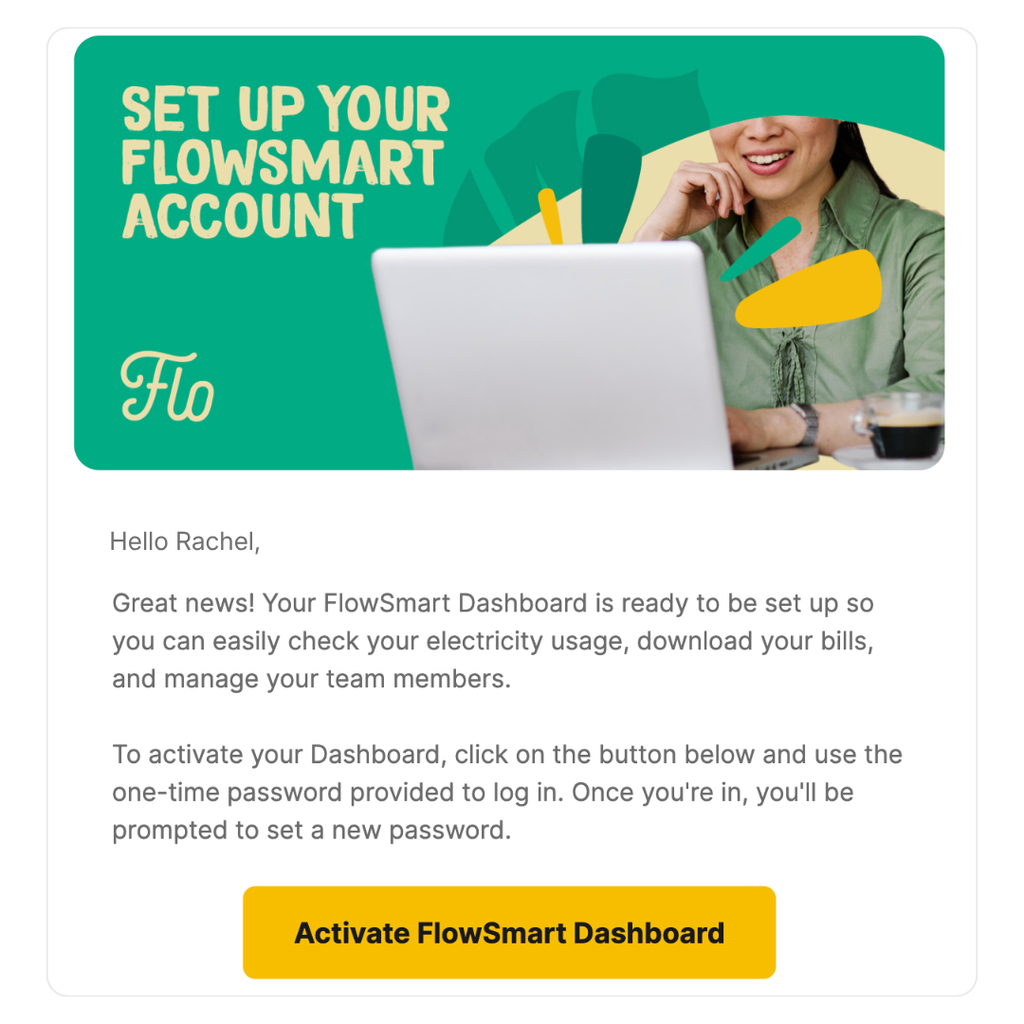
2. Activate your FlowSmart Dashboard
You’ll then receive a separate email to activate your FlowSmart Dashboard.
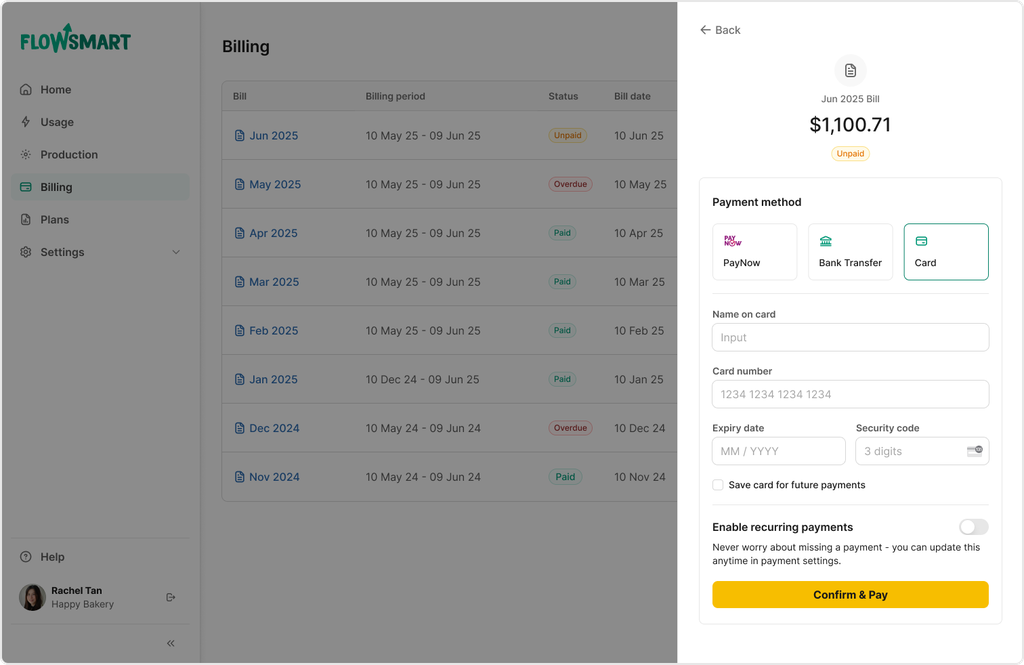
Use the link in the email to set up your account. Your dashboard is where you can view your usage, download bills, make payments and keep track of your account.
If you manage multiple premises but cannot see all your addresses in the FlowSmart Dashboard, email hello@floenergy.sg and our team will assist you.
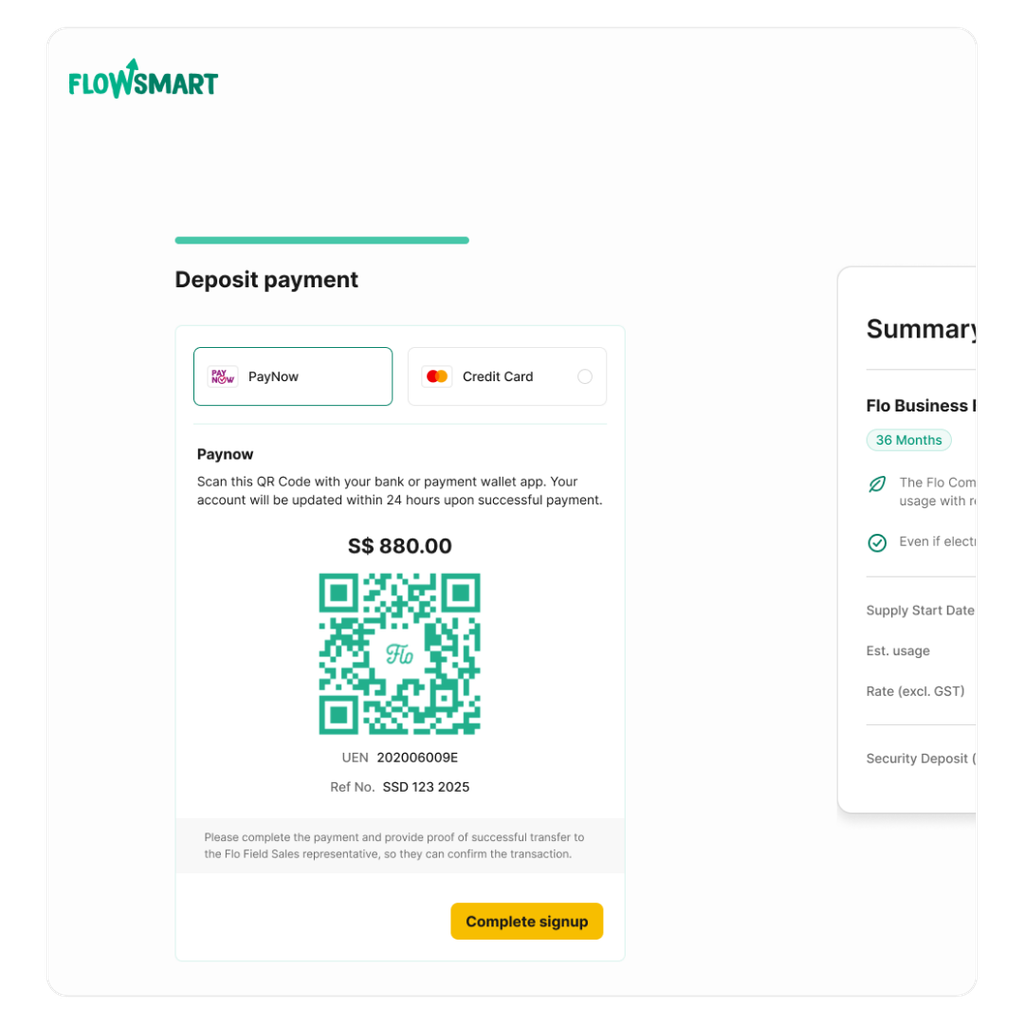
3. How you pay your security deposit depends on the plan you selected
If you selected a plan and signed up online
You’ll pay your security deposit during the website signup process. Your signup is only complete once payment is successful.
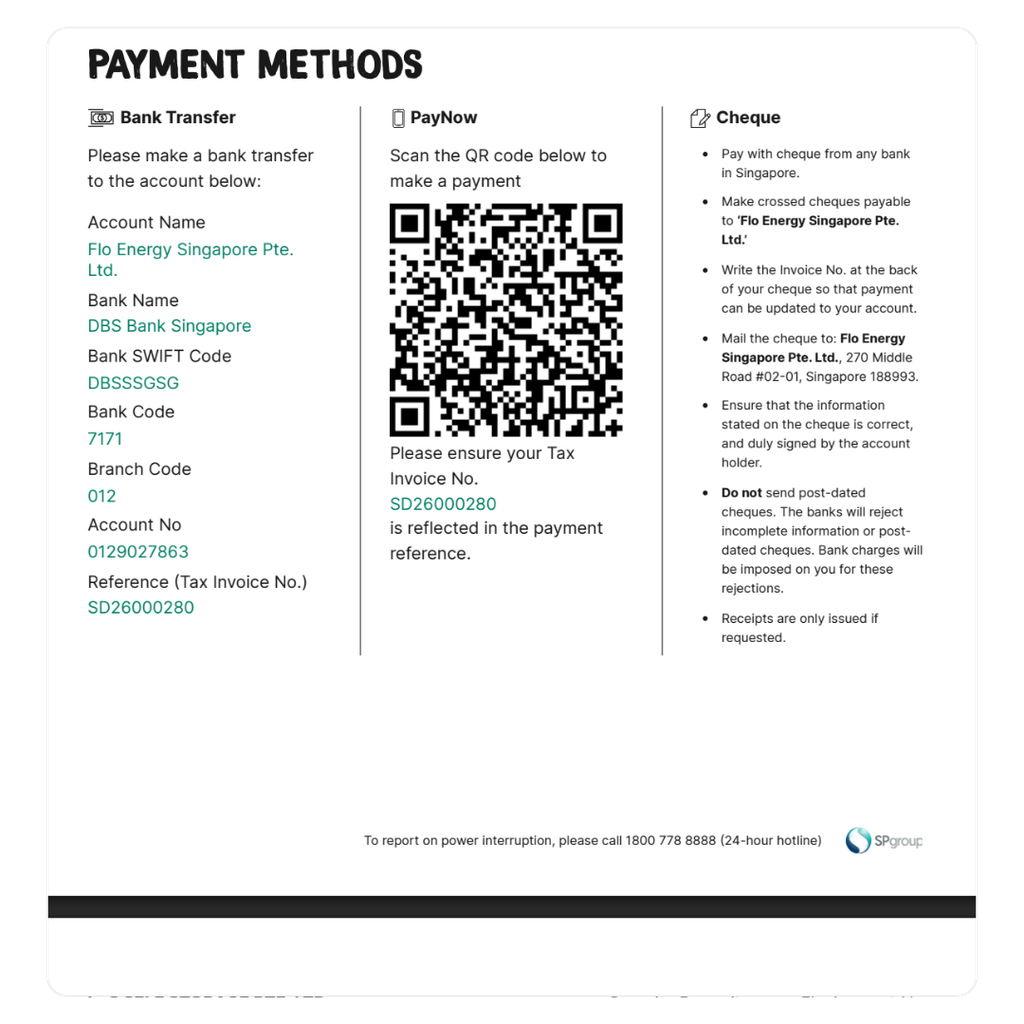
If you selected a tailored / bespoke plan
You’ll receive a security deposit invoice by email around one month before your supply start date. Follow the instructions in the invoice and make payment by the stated due date.
4. We'll arrange your switch
Once your details are checked and your security deposit is paid, we’ll arrange the transfer of your electricity account.
You don’t need to contact SP Group separately. We’ll handle the switch for you.
5. Your electricity supply continues as usual
There will be no disruption to your electricity supply during the switch. There will be no physical changes to your premises.
6. Your transfer is confirmed
We’ll let you know via email once your transfer has been approved or completed.
Your electricity supply will start under Flo from your confirmed contract start date.
7. Manage your bills and payments
Once your account is active, your monthly Flo bills will be available on the FlowSmart Dashboard.
You can also set up recurring payments using eGIRO, debit card, or credit card also located in your dashboard.
You may still receive bills from SP Group for regulated charges or other services, such as water or gas.
Need help?
If you’re unsure about your sign-up, security deposit, or electricity transfer, our team is here to help!
Email us at hello@floenergy.sg or give us a call at 6223 1000 between Monday to Friday, 9am to 5:30pm.